Long time ago, I decided to migrate to my first Linux distro ever: Linux Mint. I had a pretty smooth experience initially and decided to tweak some settings here and there to make it look better. Then, I did the same thing on Manjaro, Ubuntu, ElementaryOS, and others. Even though I got used to changing settings every so often, sometimes I didn’t feel like doing it all from scratch again.
It’s perfect timing to move into Linux now that Windows s**ks
Especially when I got a new machine and decided to hop on a new distro and enjoy the goods of Hyprland. So I decided to automate some things.
So I wanted three things:
- Use as few dependencies as possible
- Be able to run on Linux and macOS-based systems
- Have all my dotfiles and packages installed automatically
The project is: freshsetup
I was using freshsetup as a personal tool for automating my setup, and then I decided, why not opensource it?
Jump to headingInstallation
Before running this project, your system would need to have make, git, and python3, so make sure you have those before going forward.
The first command is simple:
- If you have mac:
make install/macos - If you have ubuntu/debian:
make install/ubuntu - If you have arch:
make install/arch
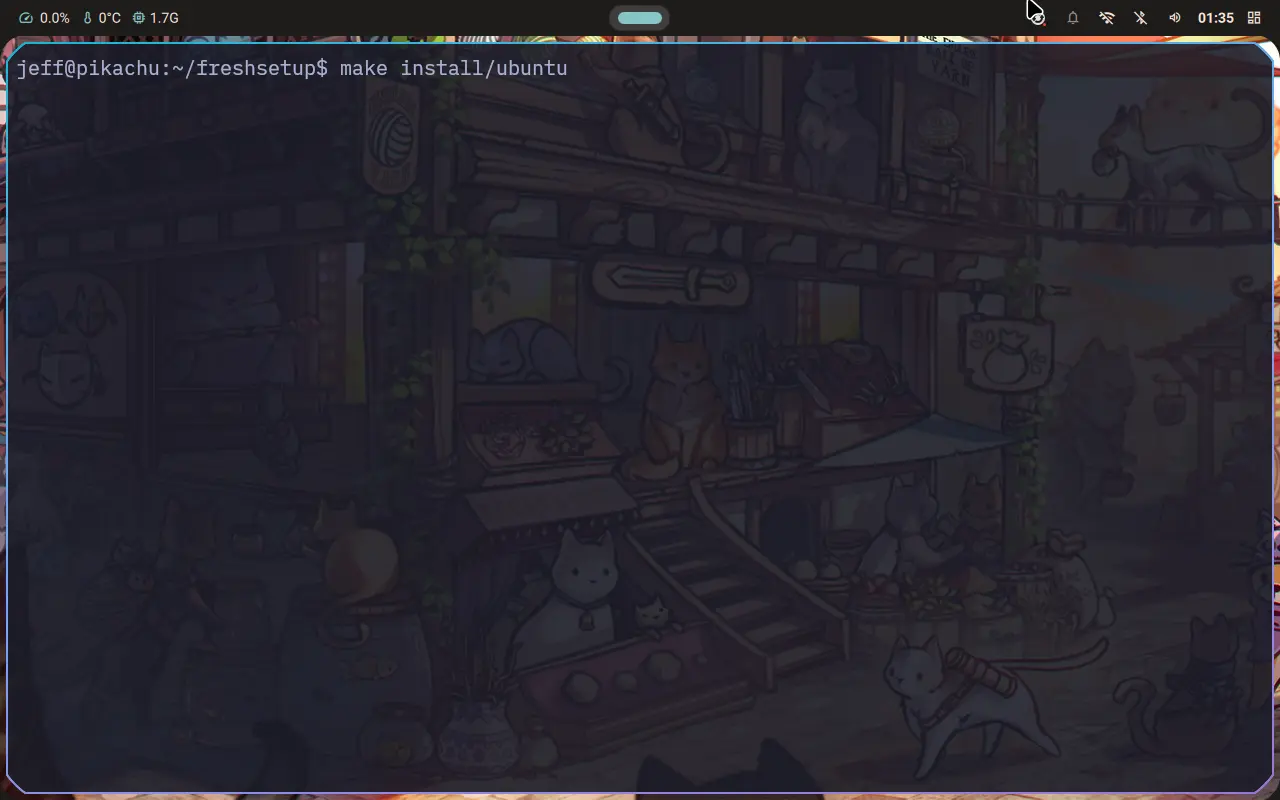
Jump to headingChoosing packages and apps
Next, you choose which packages you would want to install on your system.
This is a key feature I wanted in this setup, because sometimes when hopping between systems, I don’t want to wait for everything installed once, but rather only a handful of packages I really want.
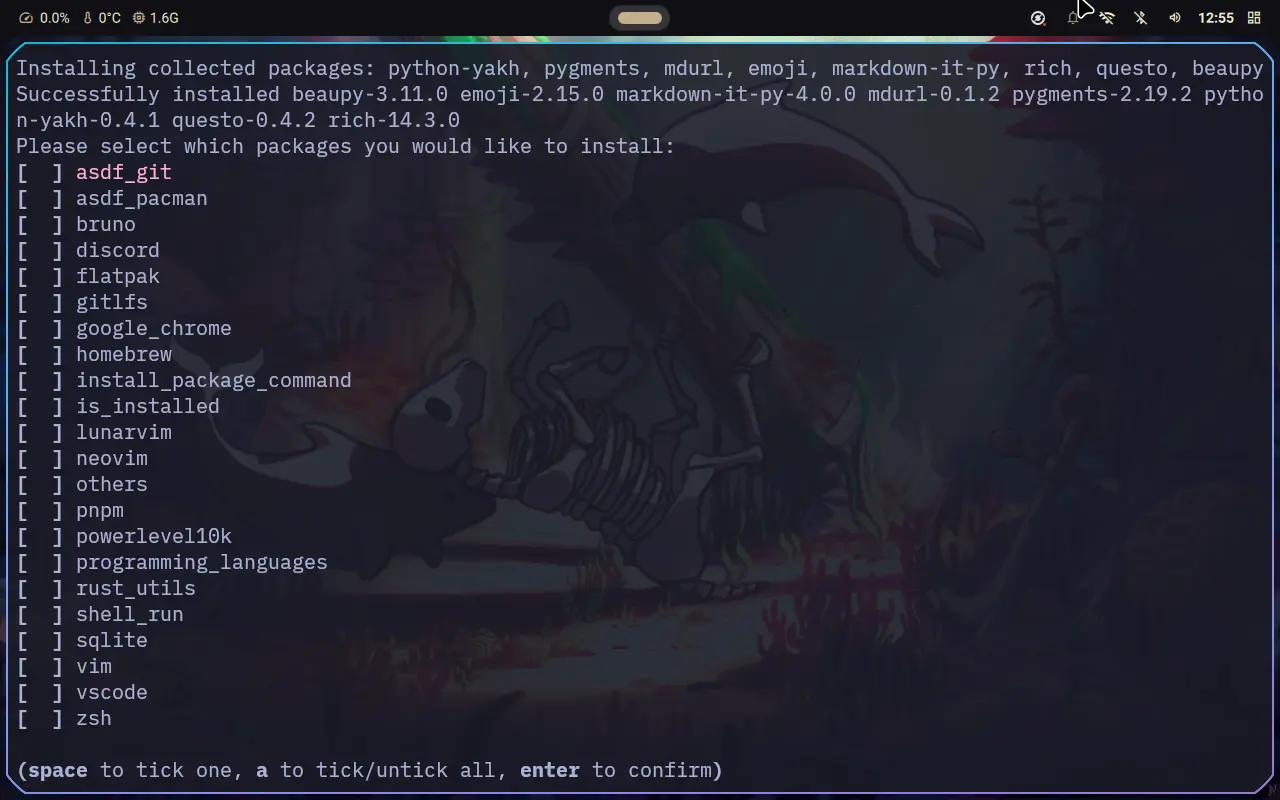
You can run the same command again and choose other packages if you like.
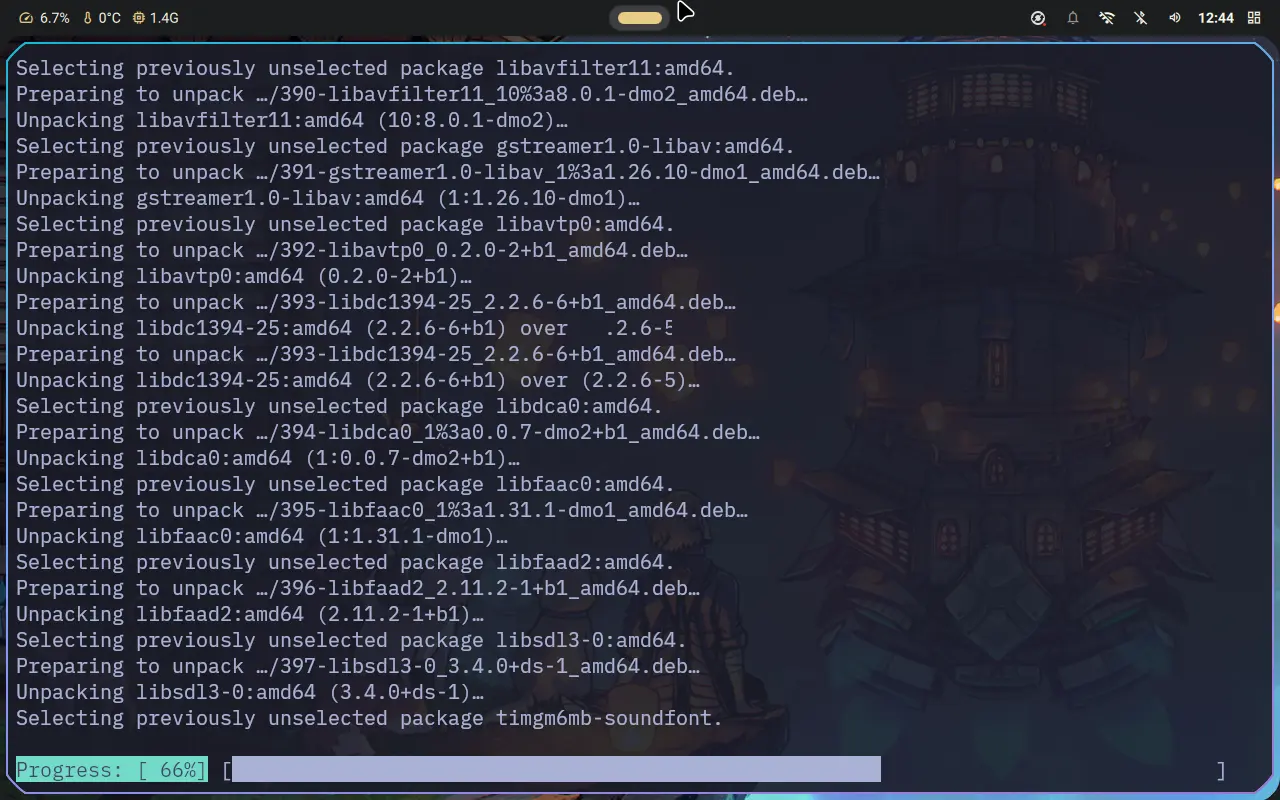
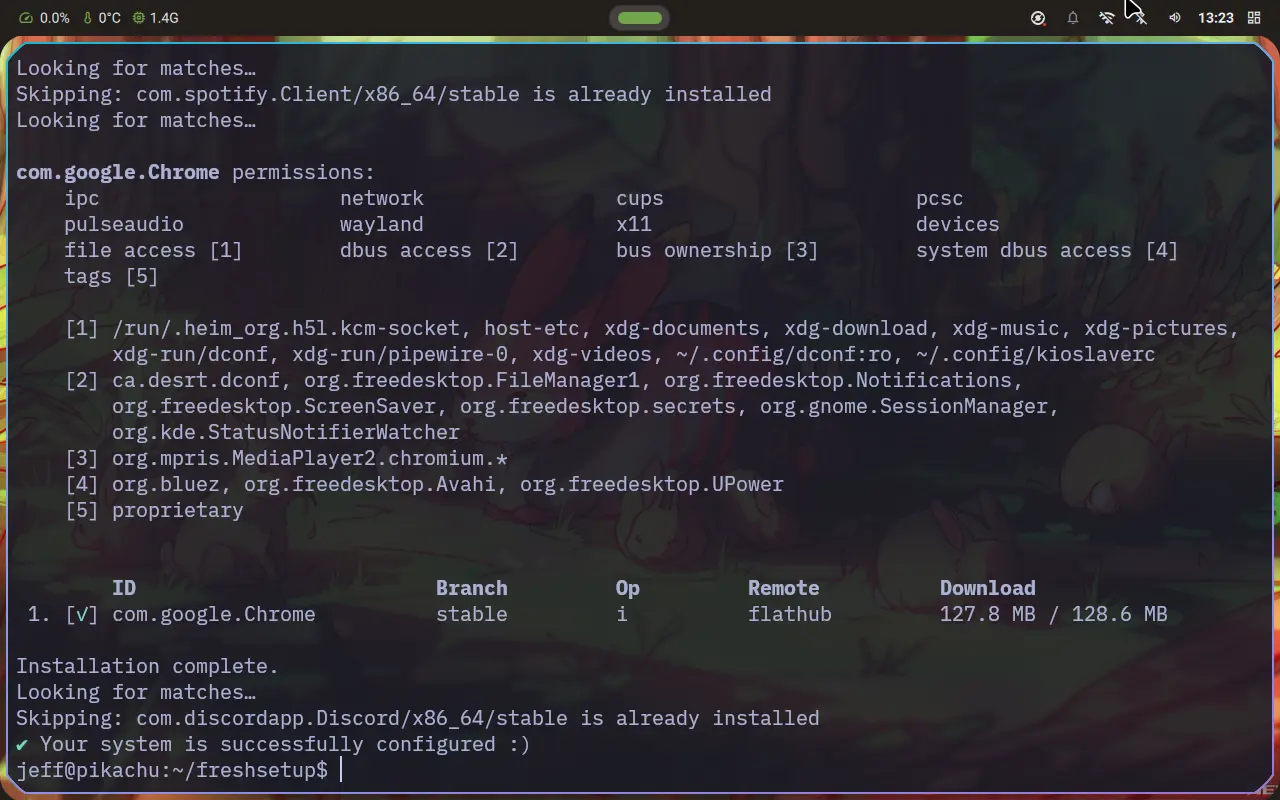
Once everything is downloaded properly, you will see the output: “Your system is successfully configured :)”
Jump to headingDotfiles
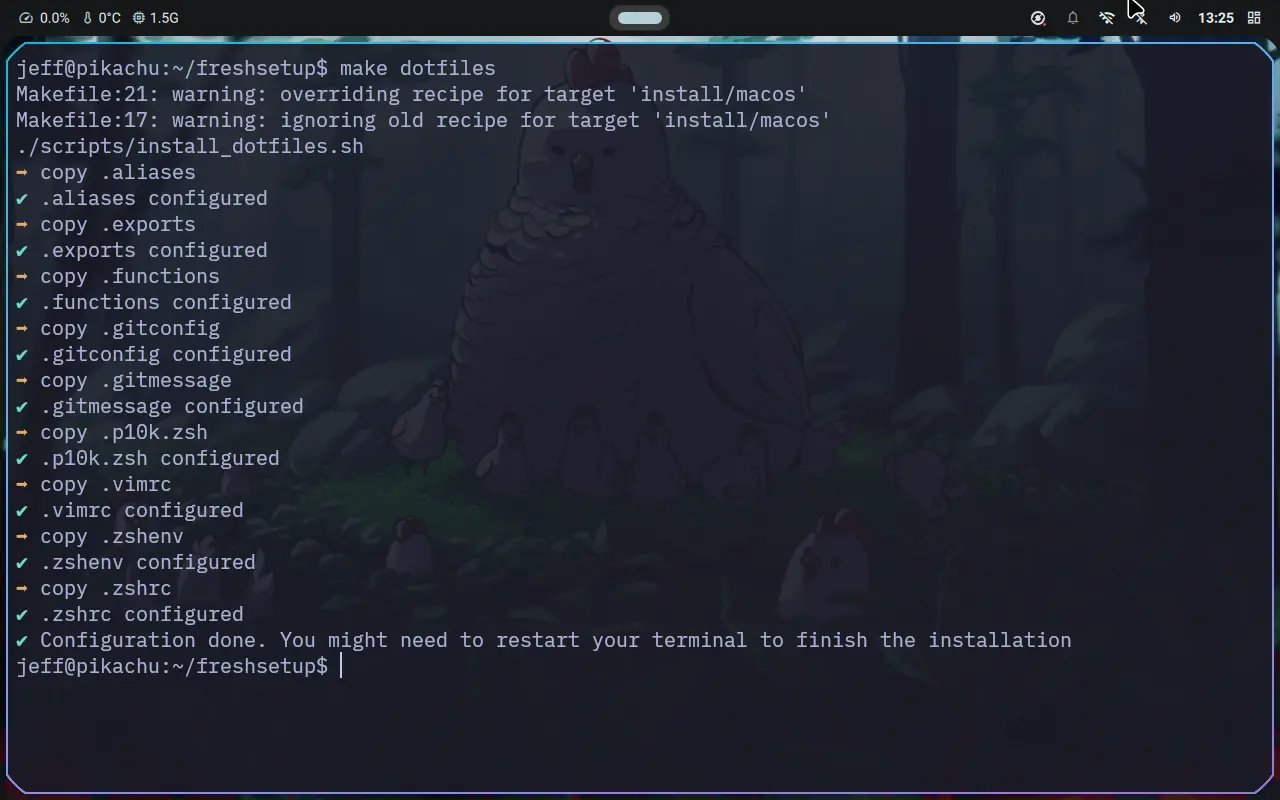
The idea behind dotfiles is to have all my aliases, editor, and terminal config that I need almost 100% of the time. It keeps the old config you had for zsh in case you need it.
This setup contains:
Jump to headingFinal Results
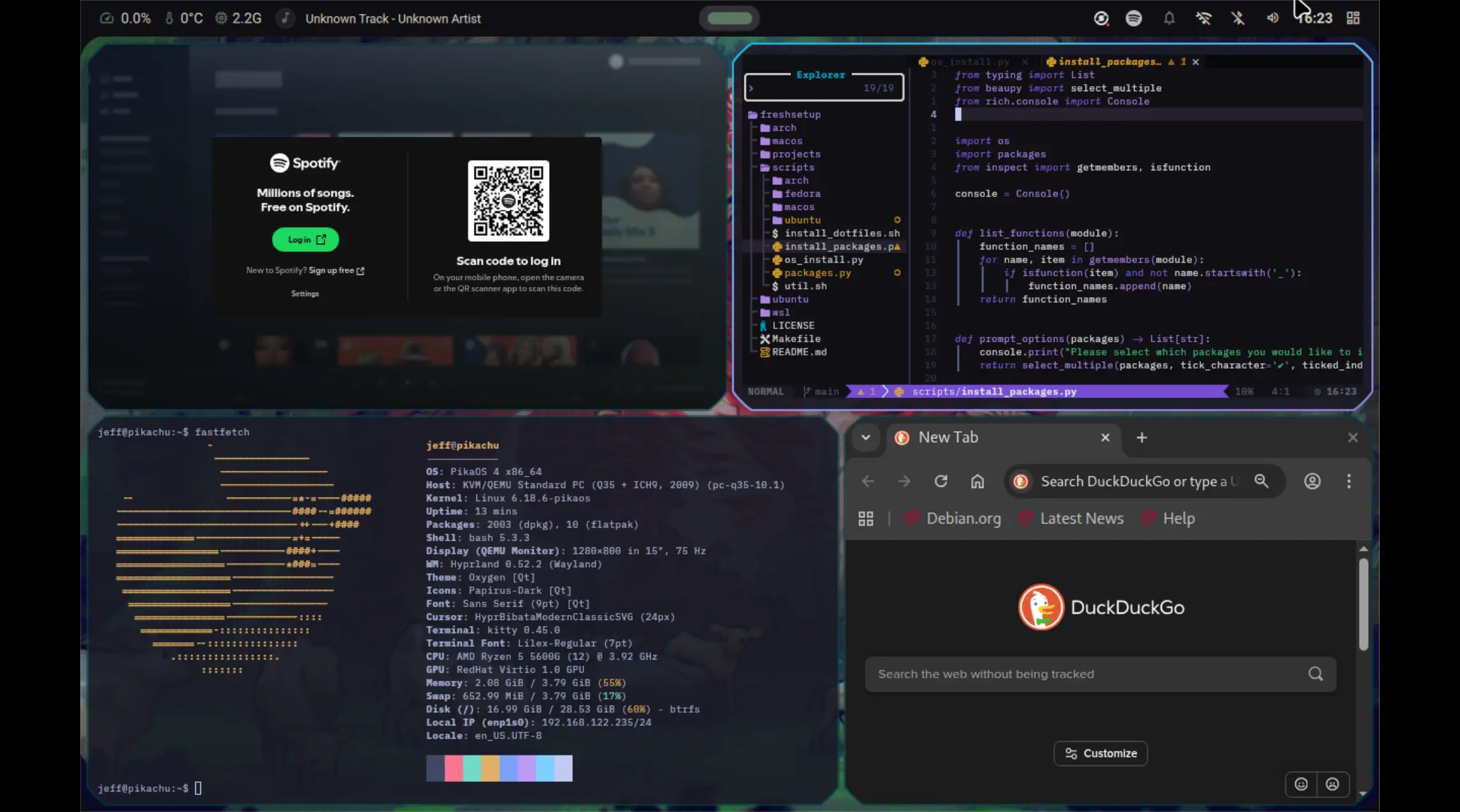
PikaOS Hyprland:
Manjaro Gnome:
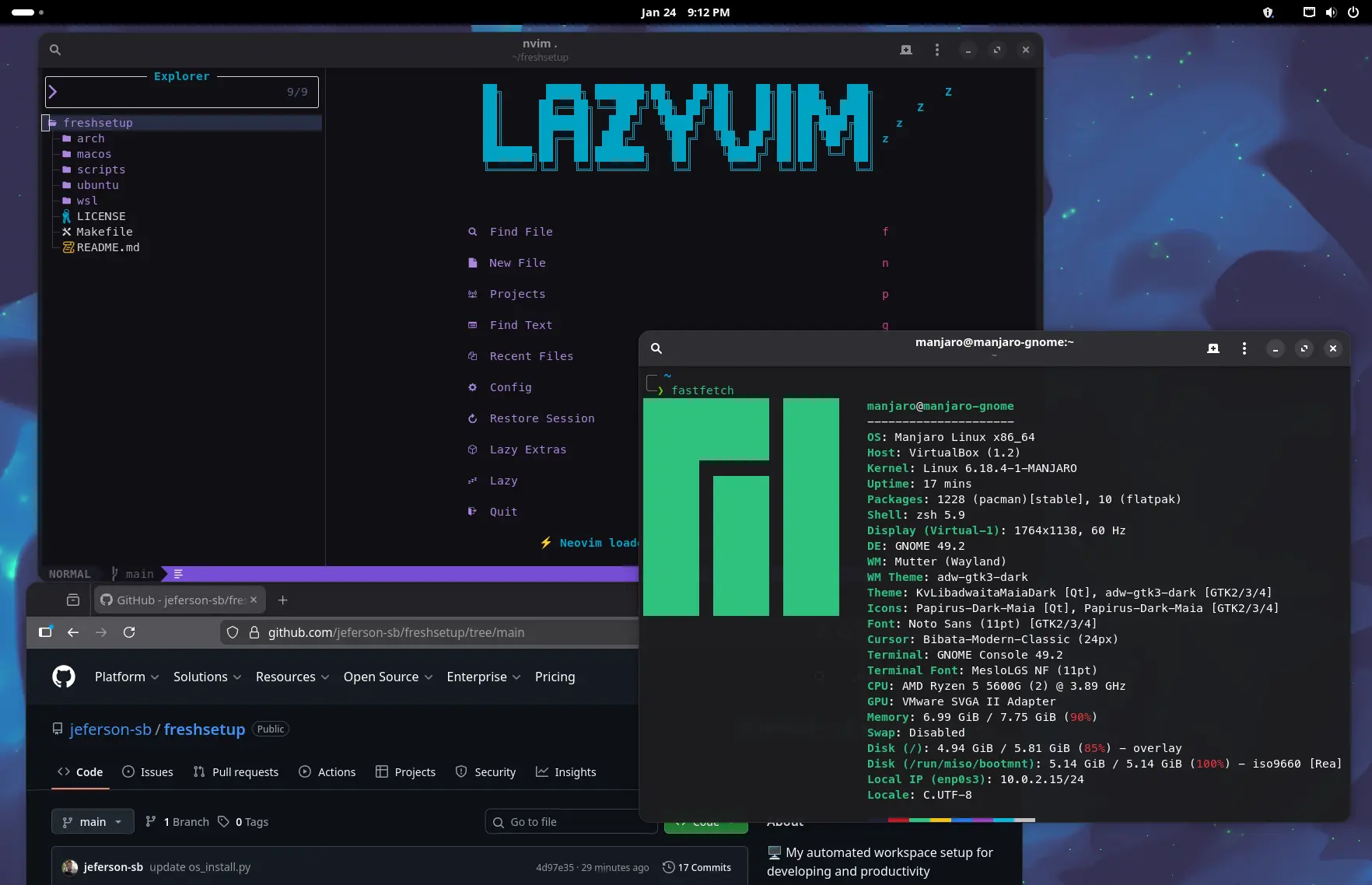
And that’s it! In a few minutes, my system is ready for work/gaming/studying. In the future, I will also include some other settings like keyboard shortcuts for programs, file system settings, mouse, and monitor. But these are more personal, so I might do it in another script.